
Sugargoo QC Checker
Paste a Sugargoo link and see every QC photo other buyers got for that item.
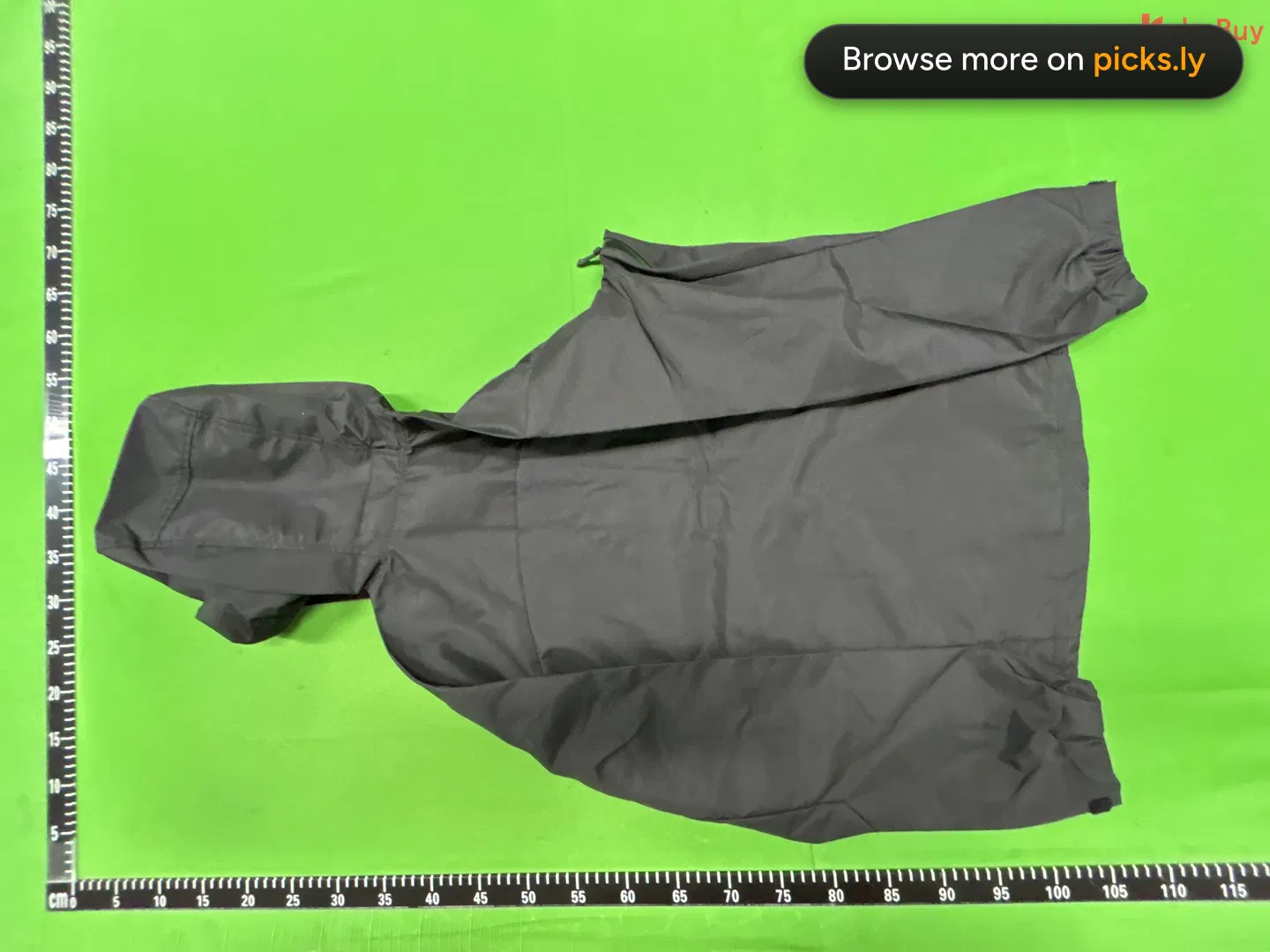
 168825
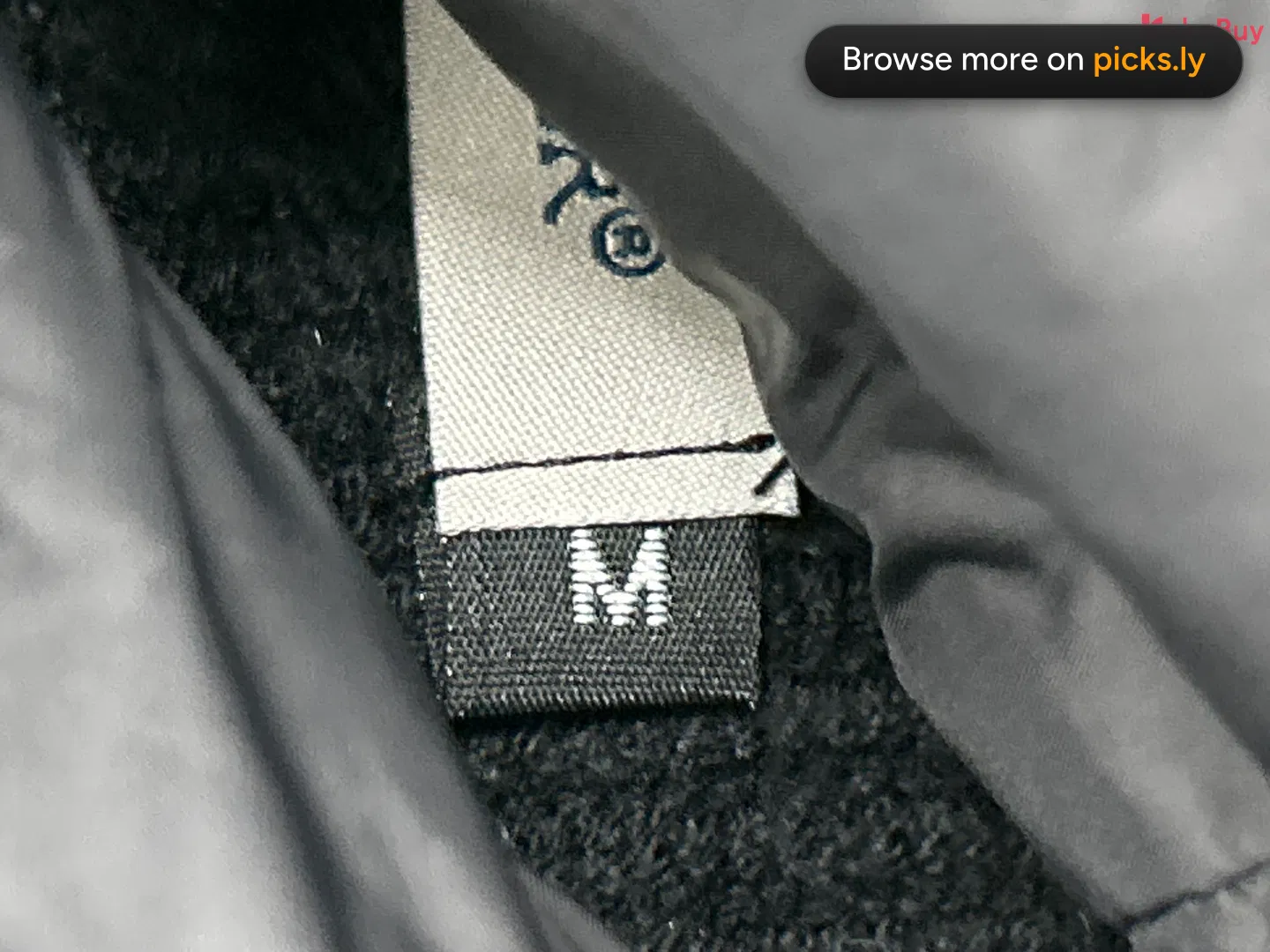 1688395
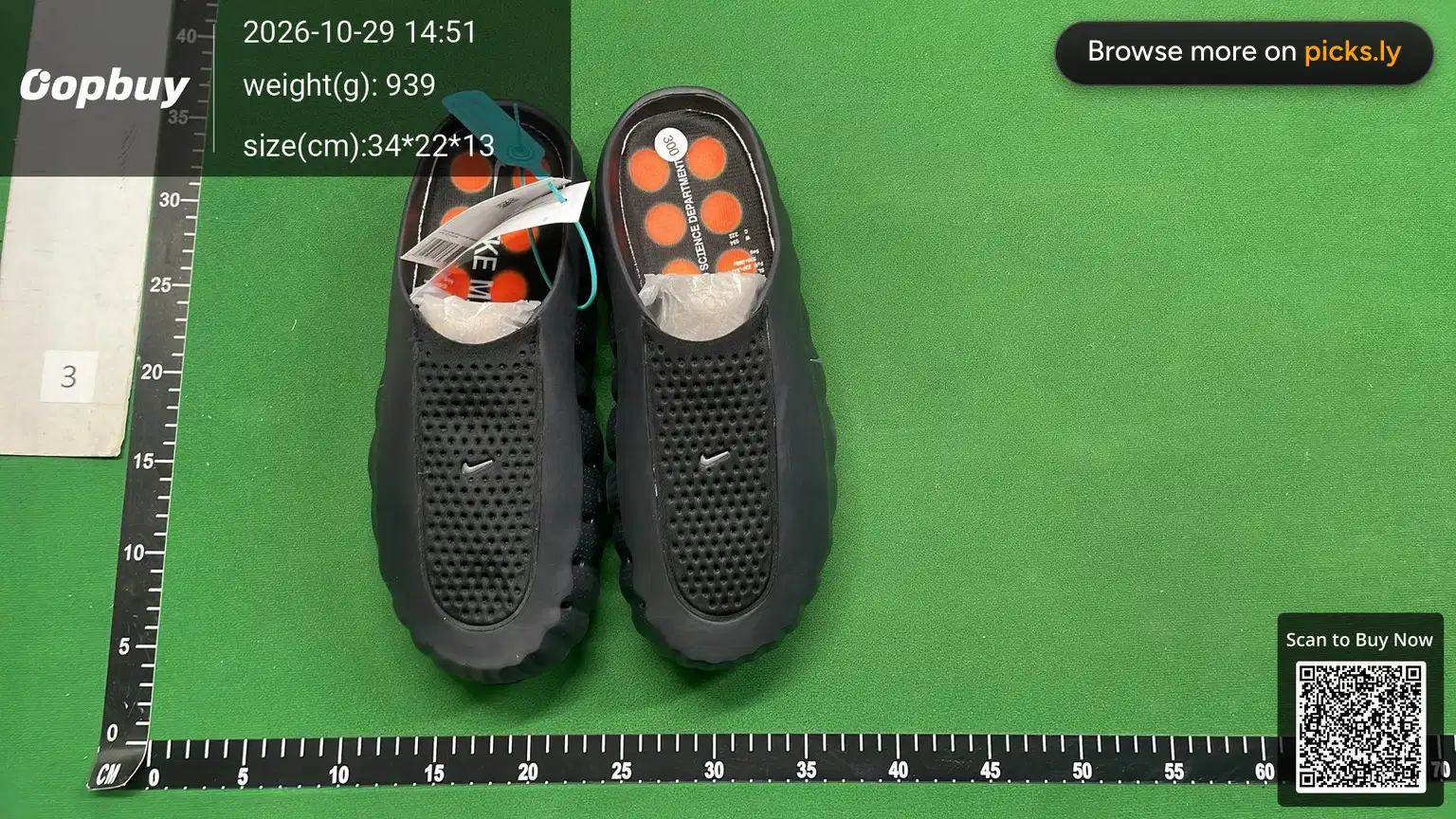 168846
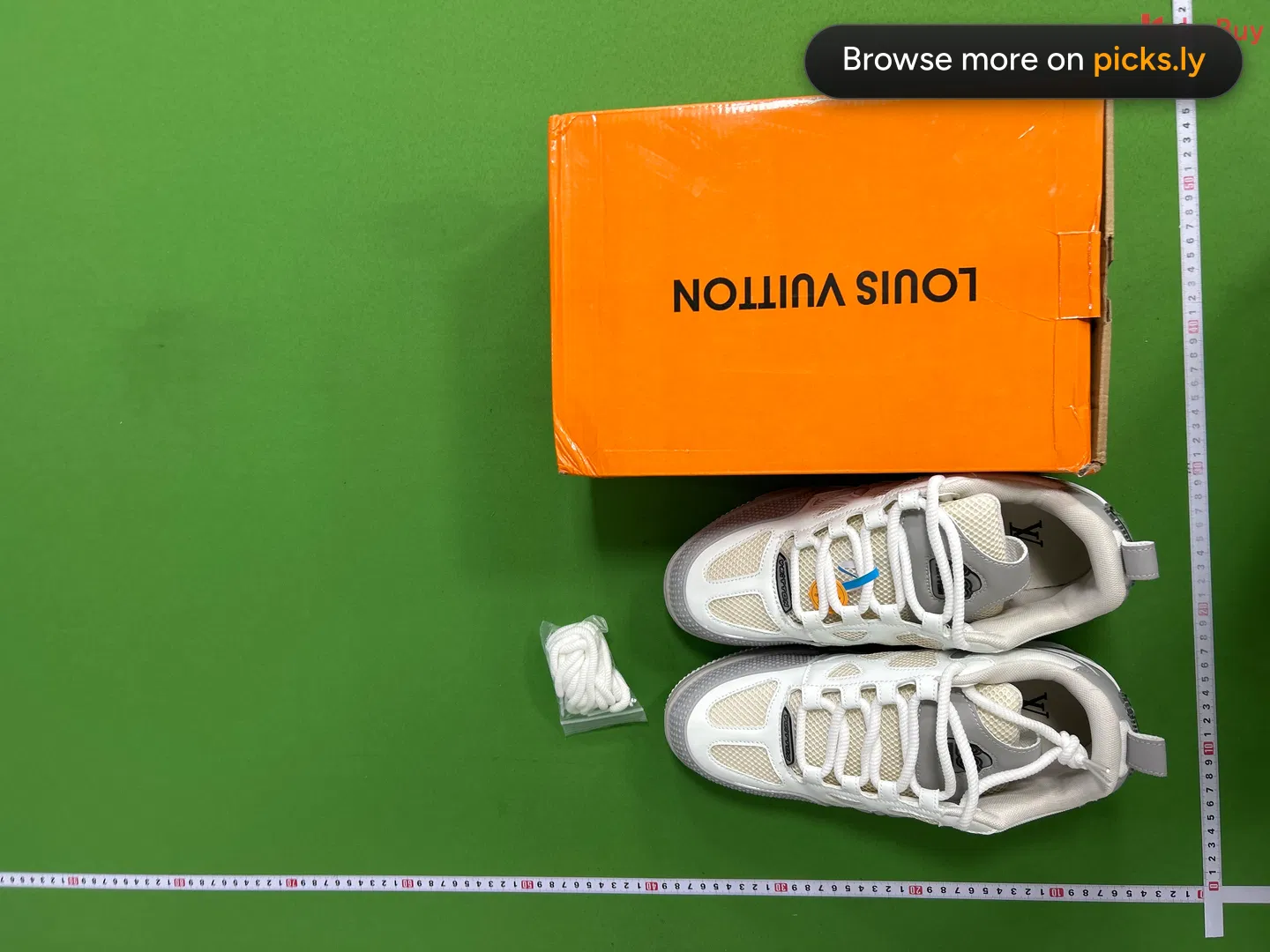 16881,108
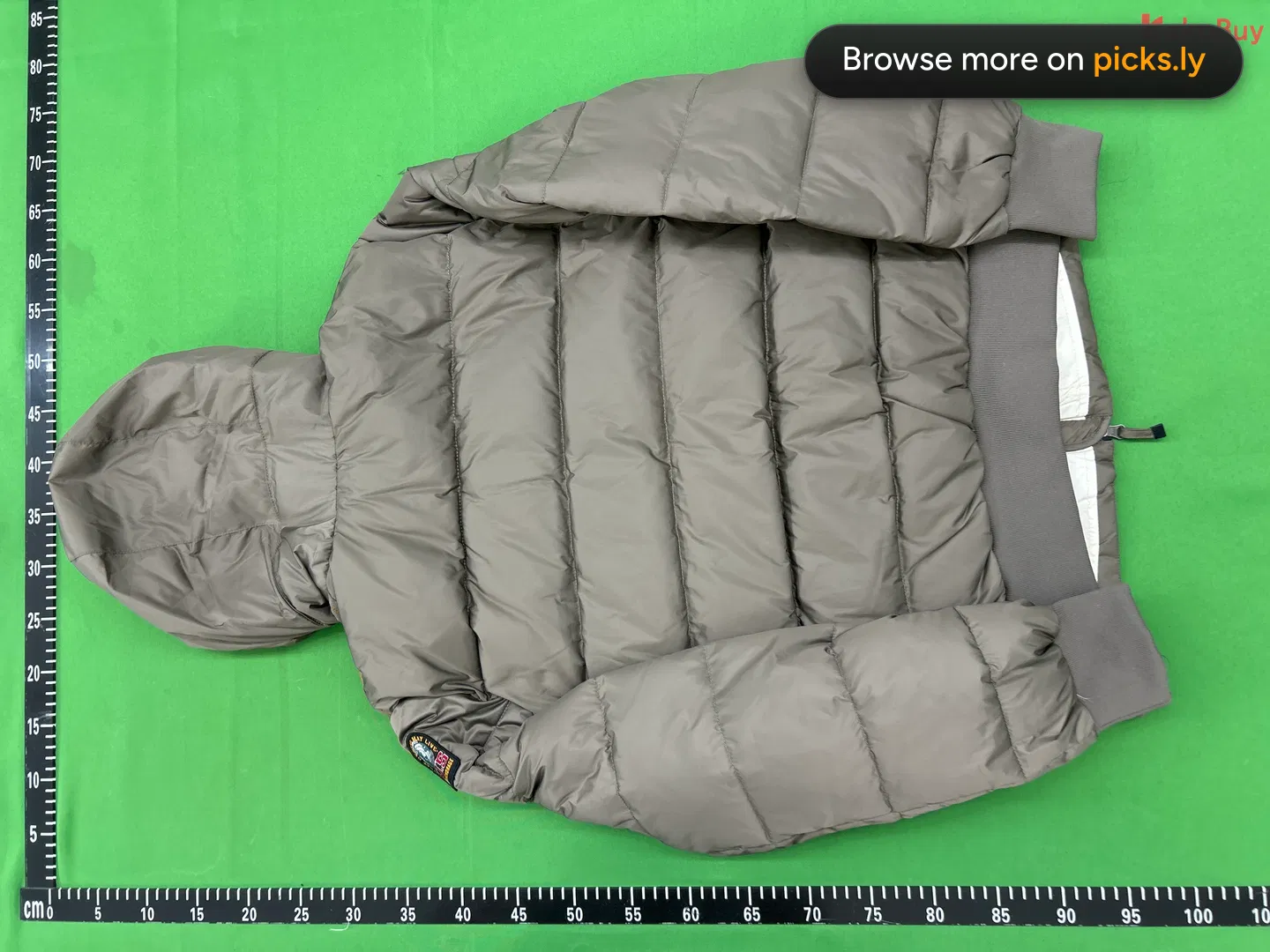 16881,410
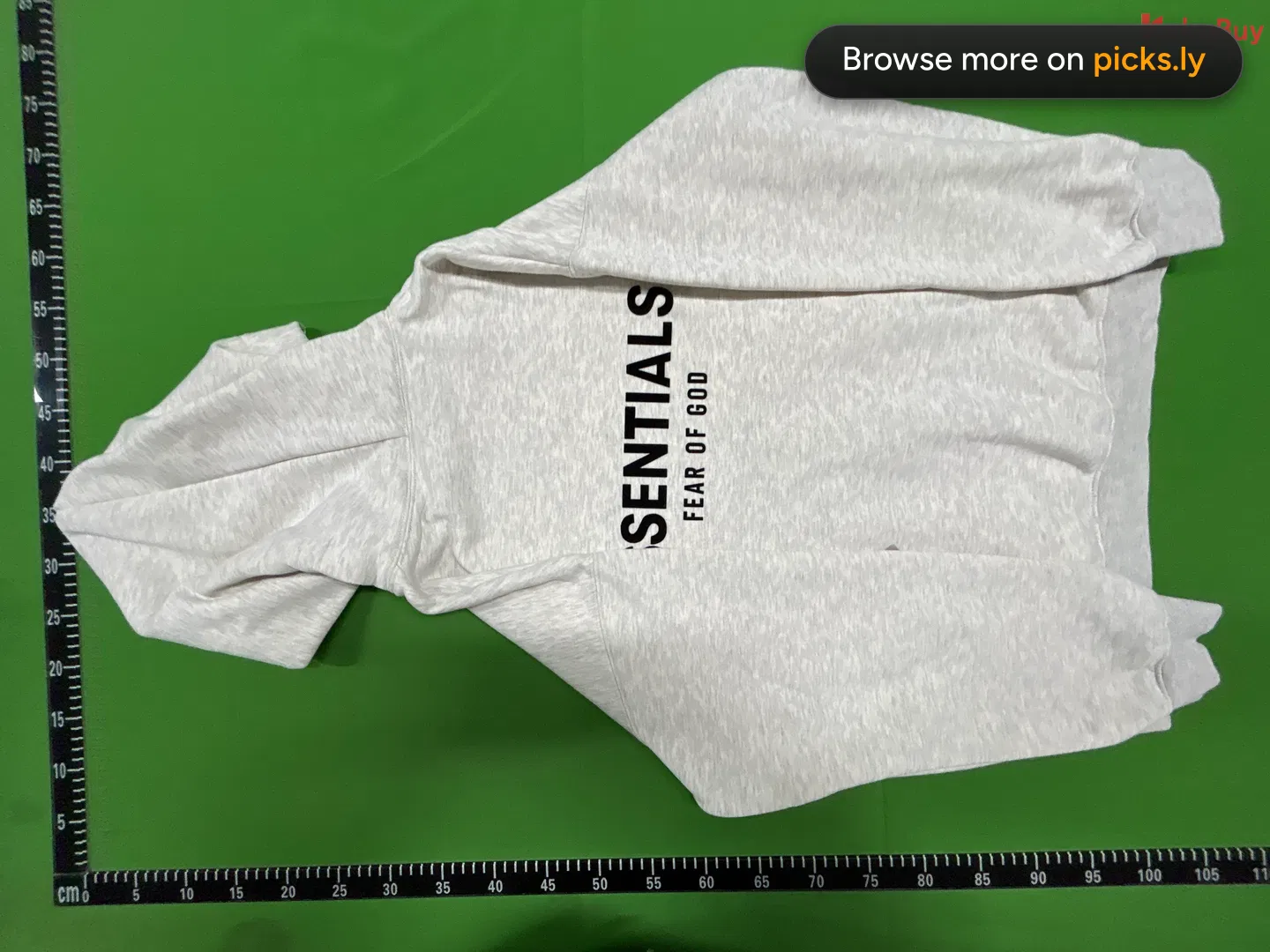 16881,073
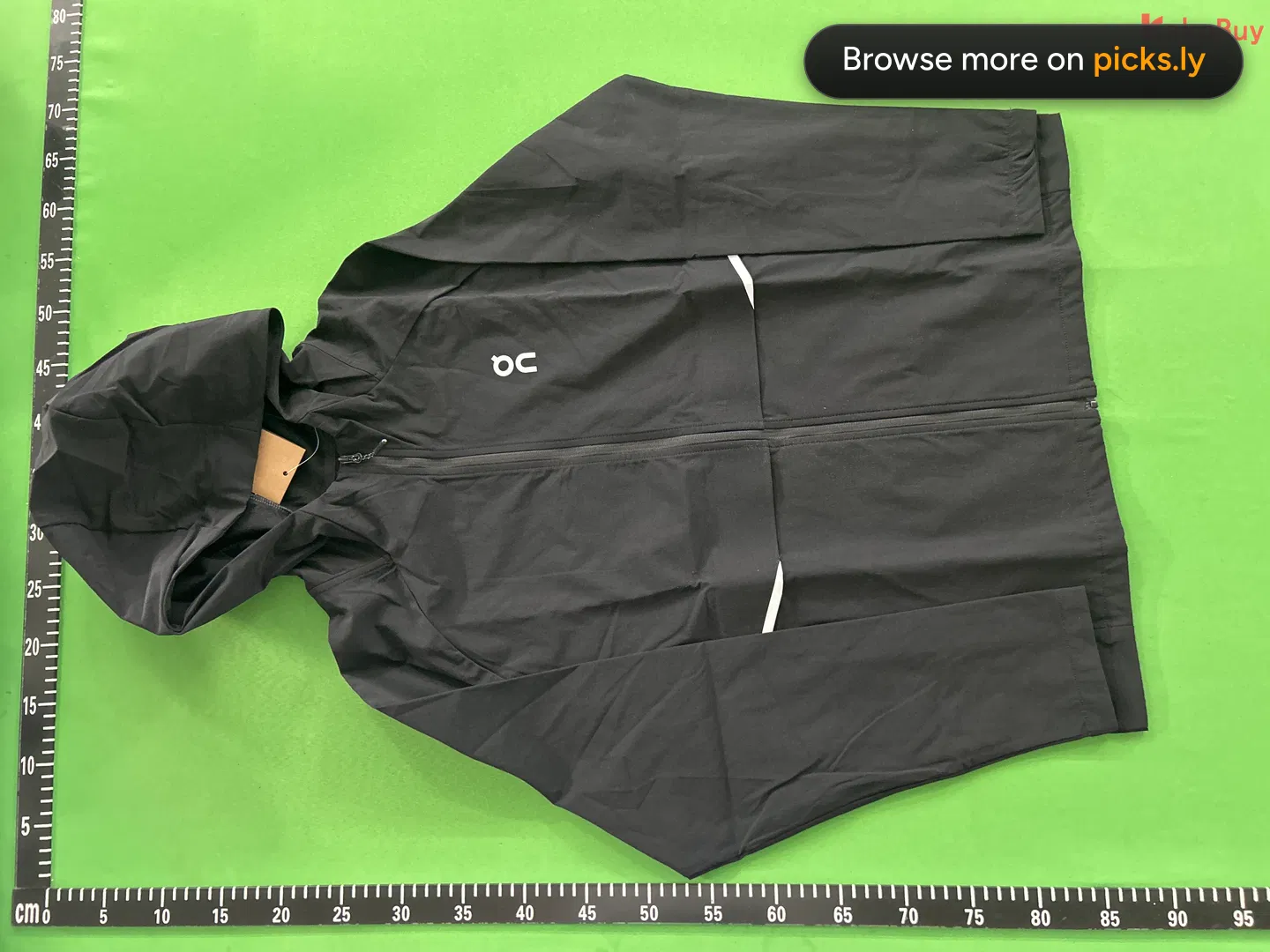 1688616
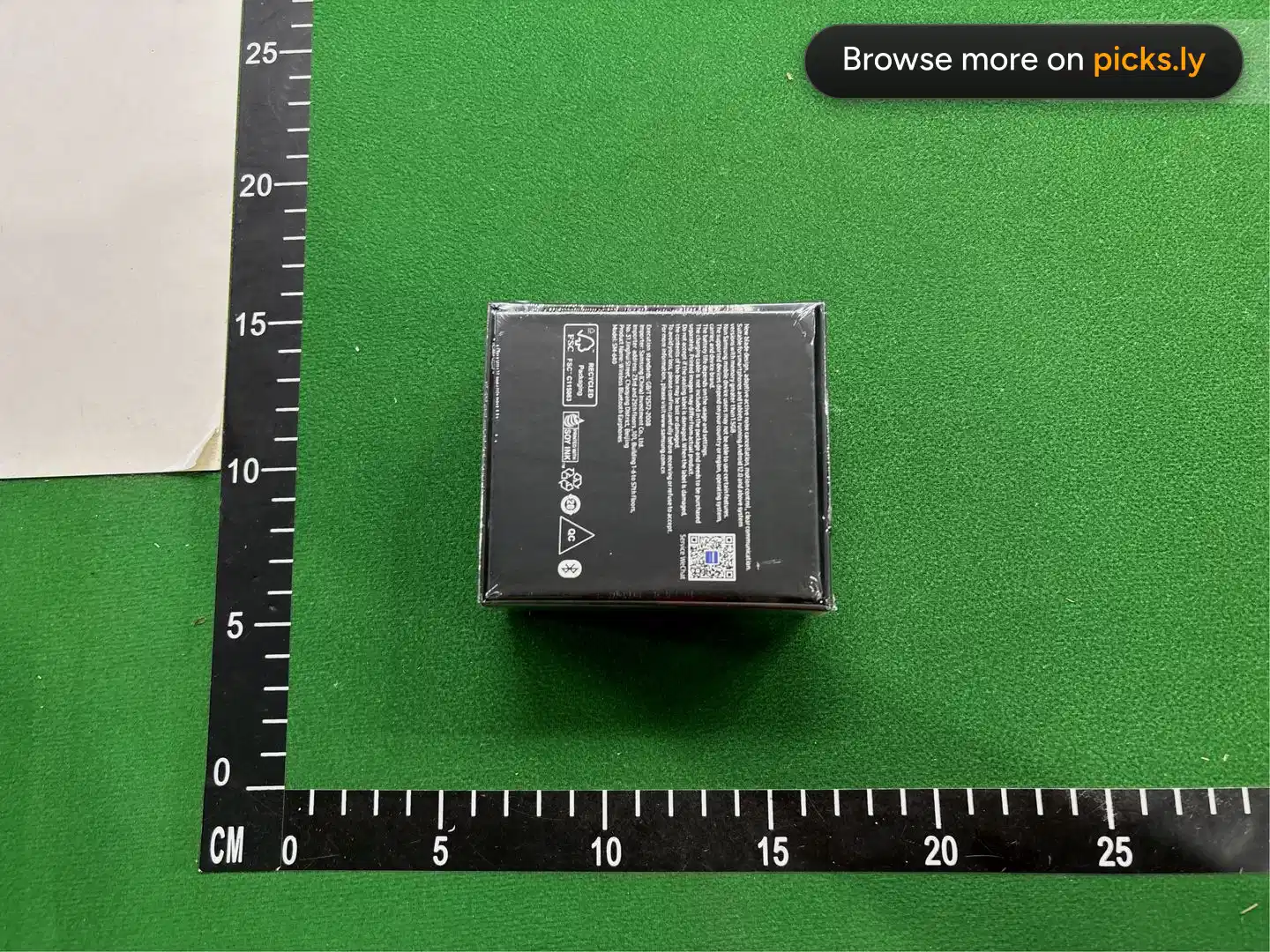
 Weidian23
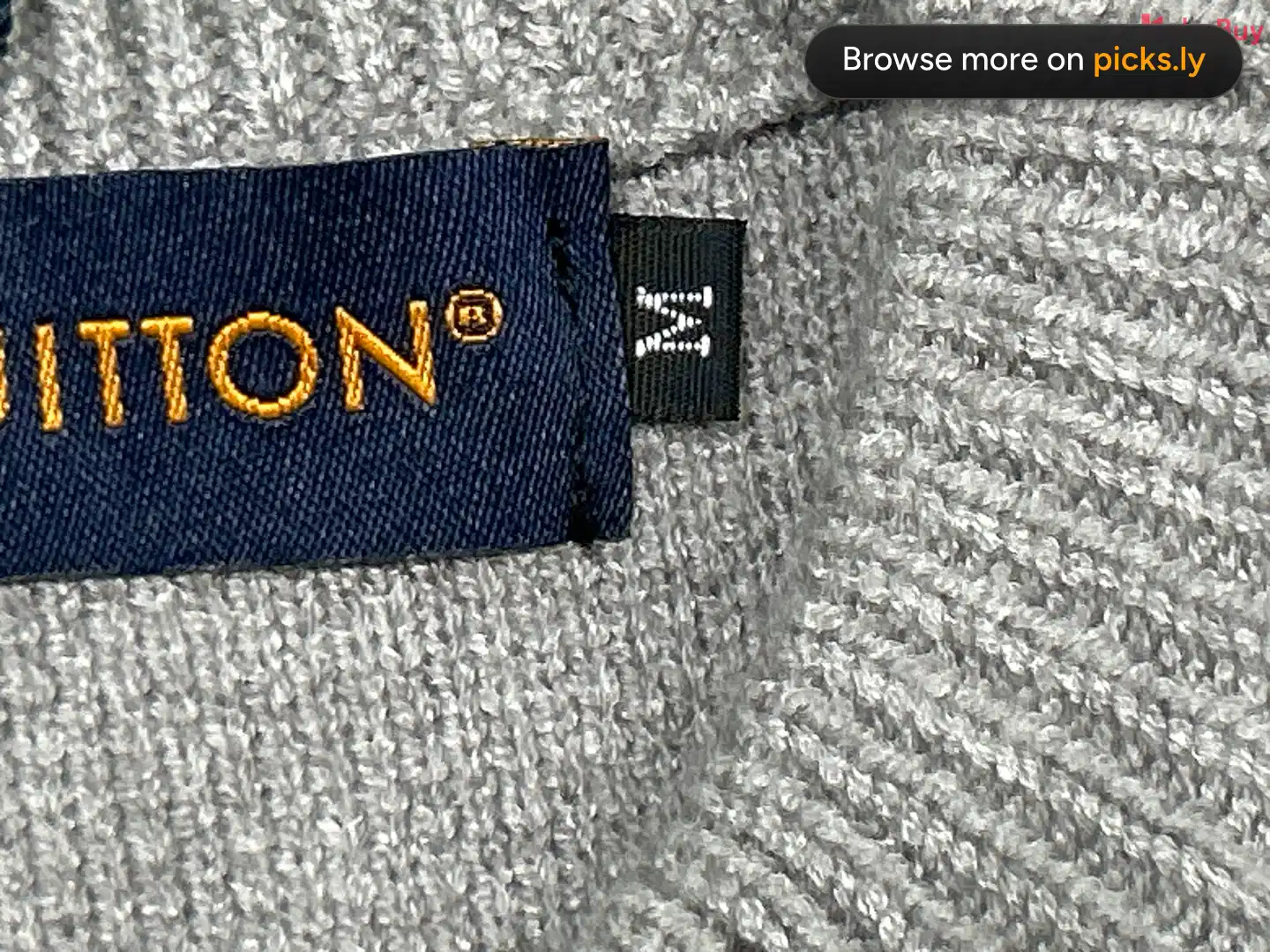 Weidian760
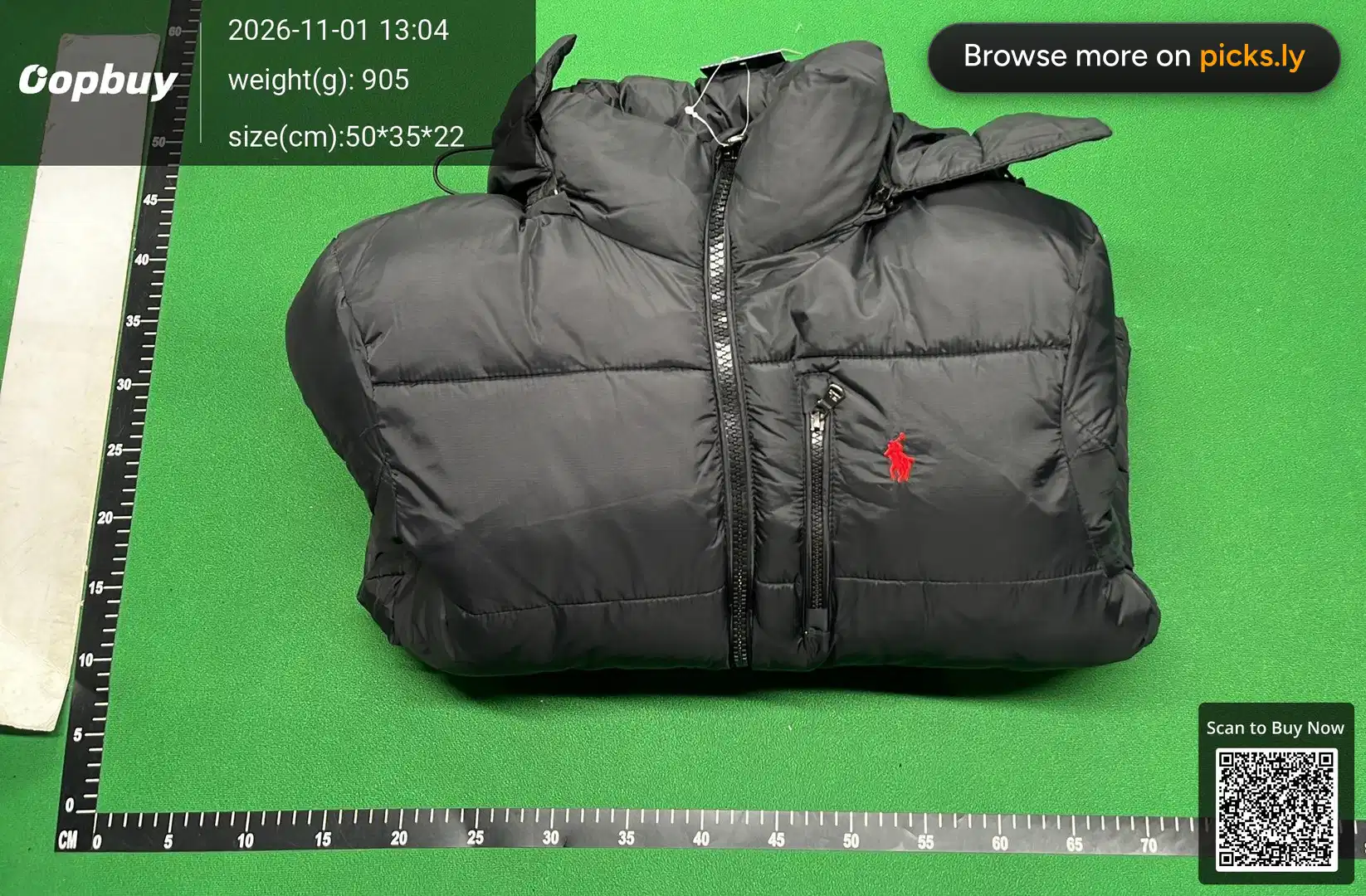 168824
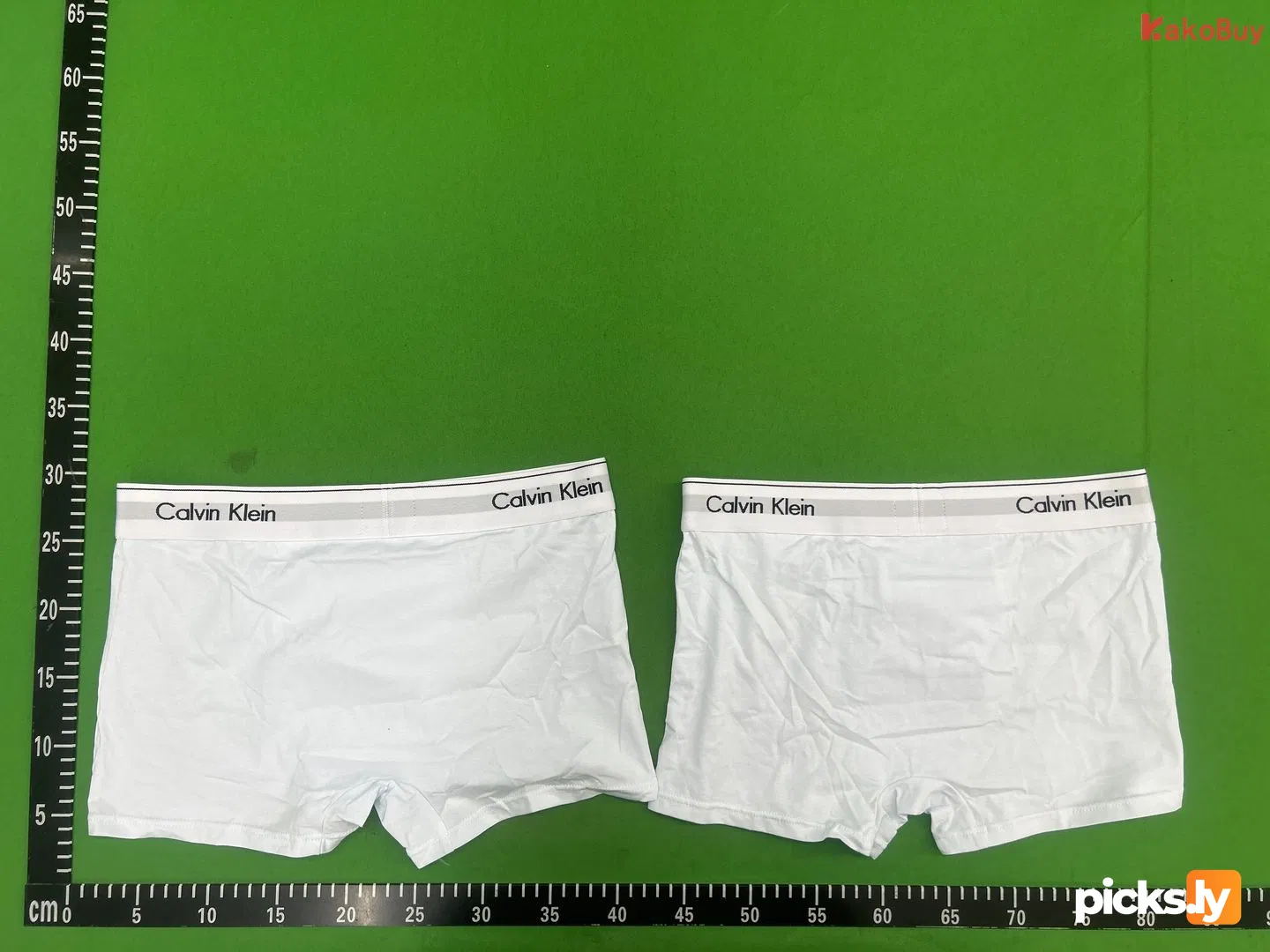 Weidian6
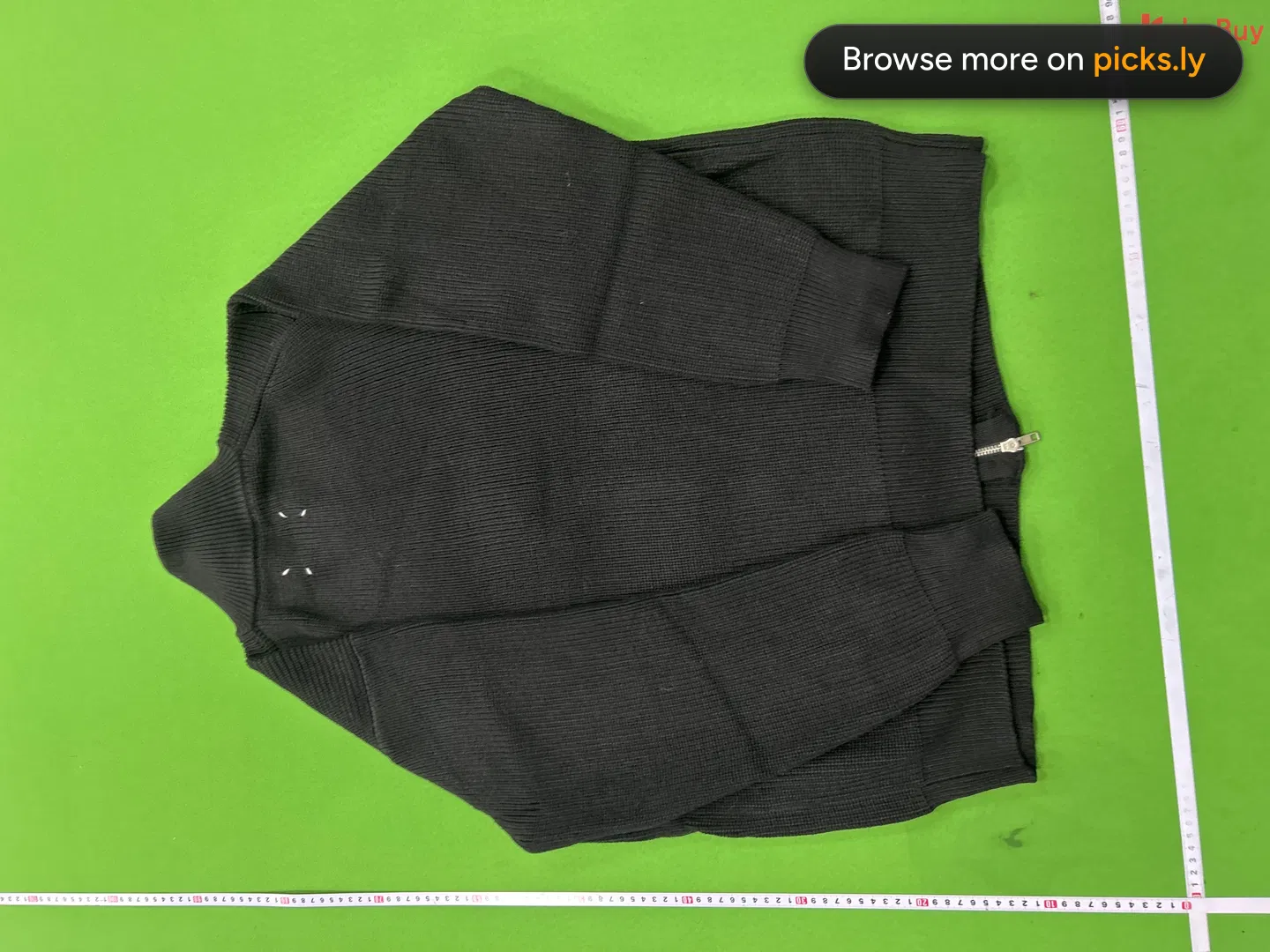 1688565
How to copy a Sugargoo link
- 1
Open the product on Sugargoo, on the website or in the app.
- 2
Copy the address from the browser bar (in an app: Share, then Copy link).
- 3
Paste it into the box above. QC Checker opens the photos right away.
What a Sugargoo link looks like
https://www.sugargoo.com/productDetail?productLink=https%3A%2F%2Fweidian.com%2Fitem.html%3FitemID%3D7614407334
- A Sugargoo link carries the original Weidian, Taobao or 1688 link inside it, so QC Checker reads the product straight from it.
After you find the QC photos
Pick your size and look at the newest orders first, since sellers change batches. Check the logo, tags, stitching and measurements against a retail photo, then decide. The QC checklist and what GL and RL mean.
Sugargoo QC checker questions
How do I check QC photos for a Sugargoo link?
Copy the product link from Sugargoo and paste it into the box above. QC Checker reads the Weidian, Taobao or 1688 product inside the Sugargoo link and shows every QC album from earlier orders.
Do I need to convert my Sugargoo link first?
No. Paste the Sugargoo link as it is - QC Checker understands Sugargoo's link format.
Are the photos only from Sugargoo orders?
No, they come from several agents' warehouses. The same product looks the same whichever agent bought it, so every album helps you judge it.
Is the Sugargoo QC checker free?
Yes. No account, no app, no payment.
 Kakobuy
 ZentBuy
 Hipobuy
 Superbuy
 ACBuy
 Orientdig
 Oopbuy
 USFans
 Litbuy
 iTaoBuy
 Eastmallbuy
 Loongbuy
 LoveGoBuy
 OOTD Buy
 Joyagoo
 CSSBuy
 Ponybuy
 BBDBuy
 Gonestbuy
 HooBuy
 BaseTao
 WheeBuy
 CatBuy
 LoloBuy
 WTCBuy
 GTBuy
 AllChinaBuy
 VigorBuy
 FishGoo
 RizzitGO
 OssBuy
 Fsbuy
 CNShopper
 PantherBuy
 TigBuy
 Fansbuy
 Hubbuycn
 Taobao